Problem:
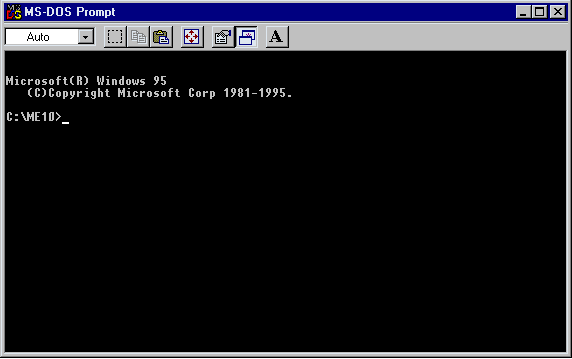
Those familiar with the RUN GRAPHIC command in the Unix version of ME10 will be aware of the generally poor performance and appearance of it under Windows.
RUN even when executed with the GRAPHIC option, will display a DOS-window in the middle of your ME10 display. It will perform the operation you ask it to and it will then disappear causing any obscured Viewports to redraw themselves. Both irritating and time consuming.
This problem is common for all Windows operating systems; Windows 95, 98, NT and 2000 and all versions of ME10.
Solution: Windows 95/98
To solve the problem in these environments is relatively easy. Most users have probably found it earlier. For those who haven't, here it is:
Execute RUN "" from the command line in ME10.
When the DOS-window appears click on Properties (click on the MSDOS icon in the top-left corner) and change the "Run:" to "Minimized". (The "Close on exit" option should also be ticked-off.)
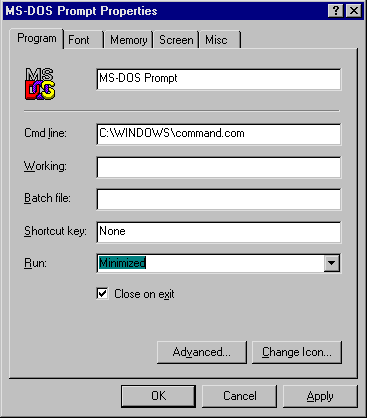
Now, the next time you run "RUN", the DOS window will be concealed while it runs and close automatically when its finished.
Easy :-)
Solution: Windows NT/2000
Windows NT/2000, although in many ways a superior operating system, suffers from the inability to run minimized DOS-windows. The solution to the problem is therefore a little more complicated. But here it is anyway:
Execute RUN "" from the command line in ME10.
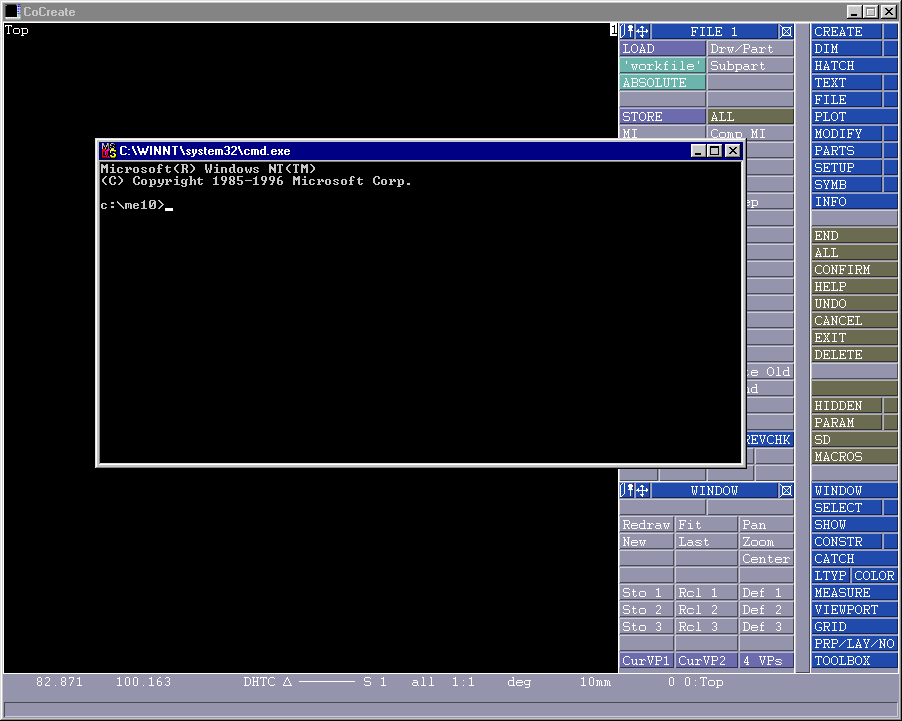
Manually move the DOS-window to the bottom-left corner of the display so that only the MSDOS icon is visible.
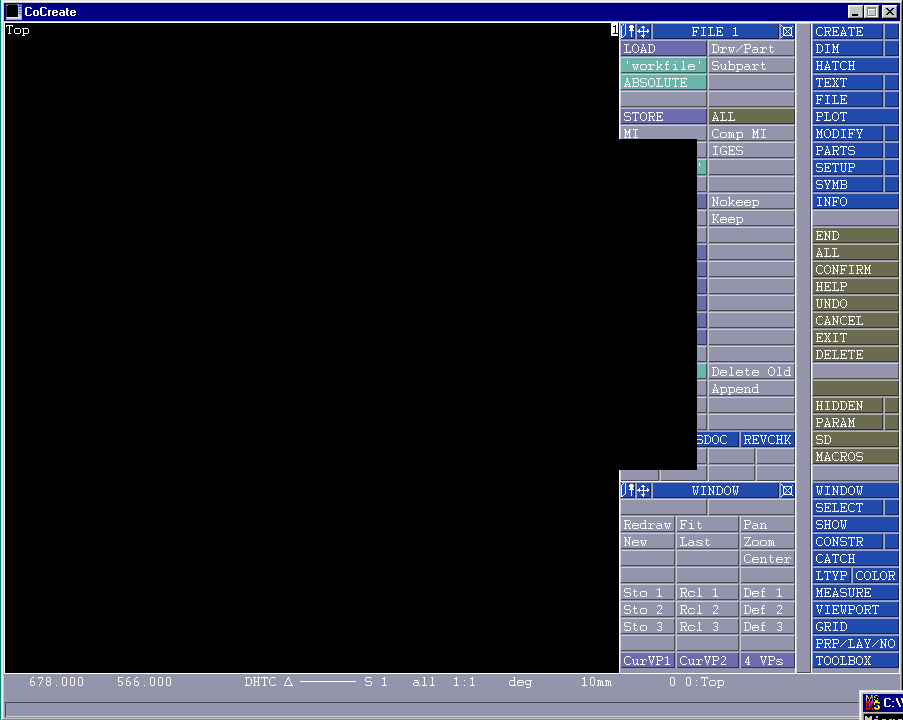
Then, click on Properties (click on the MSDOS icon in the top-left corner). The position of the DOS-window should be given in the Layout section. Don't change it just select OK.
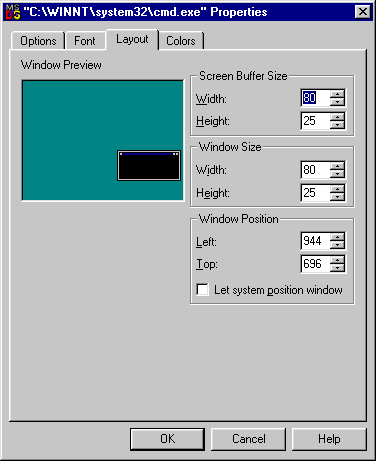
When this appears:
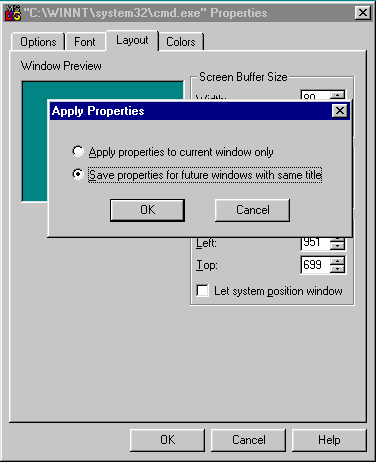
Select "Save properties for future windows with same title." and the OK.
Now, the next time you run "RUN", the DOS window will be placed out of harms way in the bottom-right corner and not require ME10 viewport regeneration.
Easy. mmmm?
Finally, if all fails - mail me and I'll help you to conceal your DOS-windows.